Snaptube Old Versions Archive
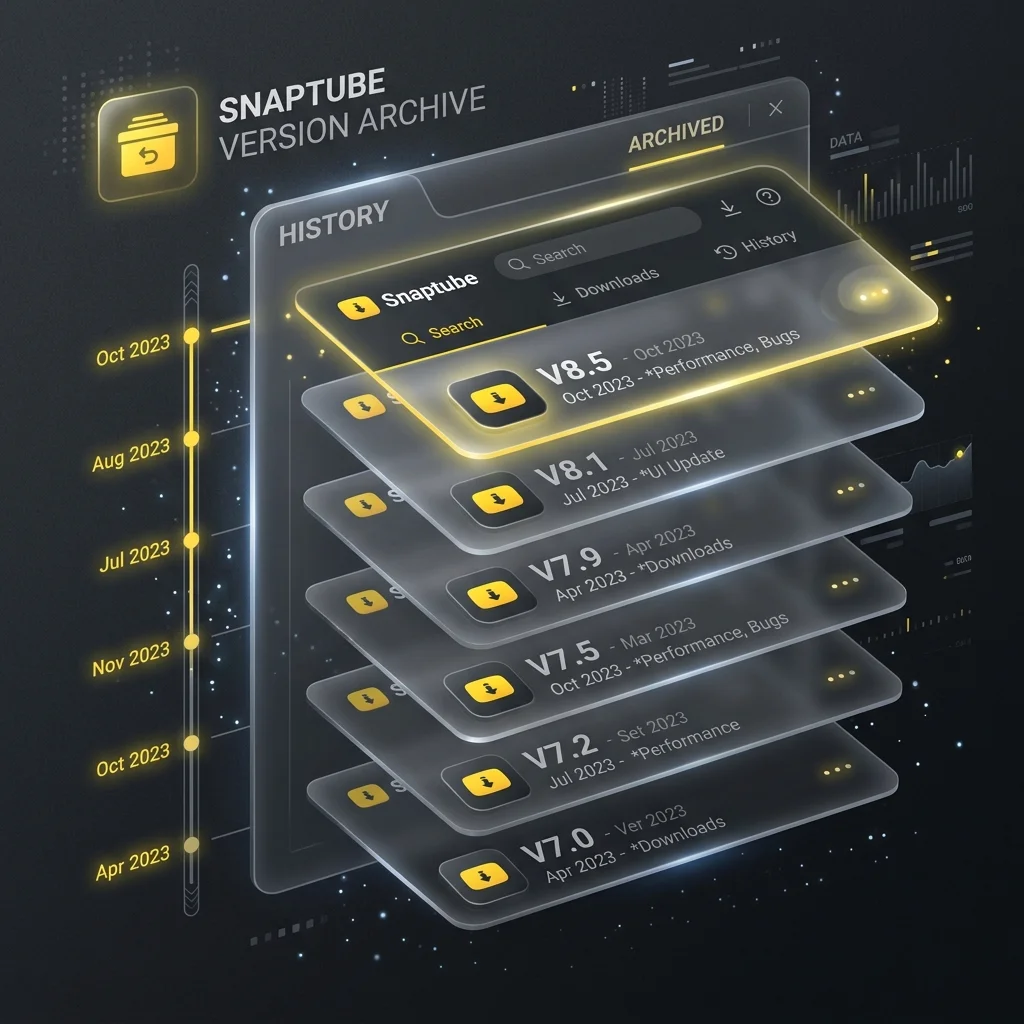
Welcome to the Snaptube Old Versions Archive. While developers continuously strive to push out the latest updates loaded with new features, sometimes the newest version isn't necessarily the best fit for everyone. Whether you are using an older smartphone, experiencing unexpected bugs in the latest release, or simply prefer the classic user interface you've grown accustomed to over the years, our comprehensive archive has you covered.
Why Download an Older Version of Snaptube?
It's a common misconception that you must always run the latest version of any application. For an app like Snaptube, whose core function—downloading media—has remained relatively stable, an older version might actually provide a superior experience for your specific needs. Here are the top reasons millions of users actively search for previous releases:
- Device Compatibility: The newest updates often drop support for older Android operating systems to implement cutting-edge APIs. If you're running Android 4.4 (KitKat) or Android 5.0 (Lollipop), the latest Snaptube might fail to parse packages or crash upon opening. Older versions were built specifically for these systems.
- Resource Efficiency: Modern updates tend to bloat applications with background services, new UI animations, and heavier frameworks. Older versions are significantly lighter on CPU usage, RAM consumption, and battery life—making them ideal for low-end or budget smartphones.
- Avoiding Unwanted Changes: App redesigns can be polarizing. If you preferred the minimalist, straightforward interface of the V5 or V6 era before more social elements were introduced, reverting to an older APK allows you to reclaim that classic look and feel.
- Bug Evasion: Sometimes, a fresh update inadvertently introduces a bug that breaks functionality—like an issue downloading from a specific site or a glitch in the audio converter. By rolling back to the previous stable release, you can continue downloading without interruption while you wait for the developers to issue a hotfix.
The Snaptube Mod Version History Table
Below is our curated archive of the most stable, popular, and reliable legacy versions of the Snaptube Mod APK. Every file in this archive has been rigorously tested and confirmed to be completely free of malware and viruses. All these versions feature our signature VIP unlocked and Ad-Free modifications.
| Version Name | Release Date | File Size | Min. Android | Action |
|---|---|---|---|---|
| v7.17.1 | Sept 2025 | 24.3 MB | Android 5.0+ | Download |
| v7.16.0 | July 2025 | 24.1 MB | Android 5.0+ | Download |
| v7.13.0 | April 2025 | 23.8 MB | Android 4.4+ | Download |
| v7.04.1 | Jan 2024 | 22.5 MB | Android 4.4+ | Download |
How to Downgrade Your App Safely
Switching from a newer version of Snaptube to an older one requires a specific process to avoid data corruption or "App Not Installed" errors. You cannot simply install an older APK over a newer one. Follow these step-by-step instructions to successfully downgrade:
Uninstall the Current Version
Go to your phone's Settings > Apps > Snaptube and tap 'Uninstall'. This is mandatory. Android's security architecture prevents installing an older version code over a newer one.
Download the Legacy APK
Select your desired version from the archive table above and download the APK file to your device's local storage.
Enable Unknown Sources
Ensure that your device is permitted to install apps from sources other than the Google Play Store (found in Settings > Security).
Install and Enjoy
Open your file manager, locate the downloaded legacy APK, tap it, and hit install. You will now be running the classic version of Snaptube!
Important Security Considerations for Old Versions
While using an older version is perfectly fine for basic video downloading, there are a few important technical caveats you should be aware of. When you freeze your app version, you miss out on backend updates. Sometimes, platforms like YouTube or Facebook change their video delivery architecture. If you are using a version of Snaptube from 2022, it might fail to parse a 2026 video link simply because it doesn't recognize the new URL structure. If you ever start experiencing persistent "URL parsing failed" errors on your older version, it means the platform has updated its algorithms, and you will unfortunately need to move to a newer Snaptube release to restore functionality.
Furthermore, from a security standpoint, older applications do not receive modern security patches. However, because our archive only hosts Modded APKs that have had intrusive background trackers, ad-networks, and unnecessary permissions stripped out, the security risk surface is drastically minimized compared to using official old versions loaded with obsolete ad-SDKs.
Frequently Asked Questions
No. Your downloaded videos and music are saved directly to your phone's media storage (usually in a folder named 'Snaptube'). Uninstalling the app does not delete this folder. When you install the older version, it will automatically detect your existing media.
Our Modded APKs typically have the forced auto-update check disabled. However, if you see an in-app prompt asking you to upgrade, simply tap 'Cancel' or 'Remind Me Later' to stay on your current version.
We highly recommend the V5.20 series for KitKat devices. It offers a great balance of modern site compatibility while remaining extremely lightweight on RAM.